Does Cover Locker need the internet?
Capture, storage, and browsing work offline. Sign-in is needed for Cover Locker Pro (subscription with store free trial, and optional cloud backup).
What is Cover Locker Pro?
Pro unlocks claim-pack PDF + ZIP export, cloud backup so you can restore on a new device, unlimited items and collections, and unlimited documents per item. Create an account, then start Monthly or Yearly through the App Store or Google Play — the free trial is included in the store subscription.
How much does Cover Locker Pro cost?
Cover Locker Pro is £4.99 per month or £29.99 per year through the App Store or Google Play (or the equivalent in your store’s local currency), after the store free trial where offered.
What is stored on my phone?
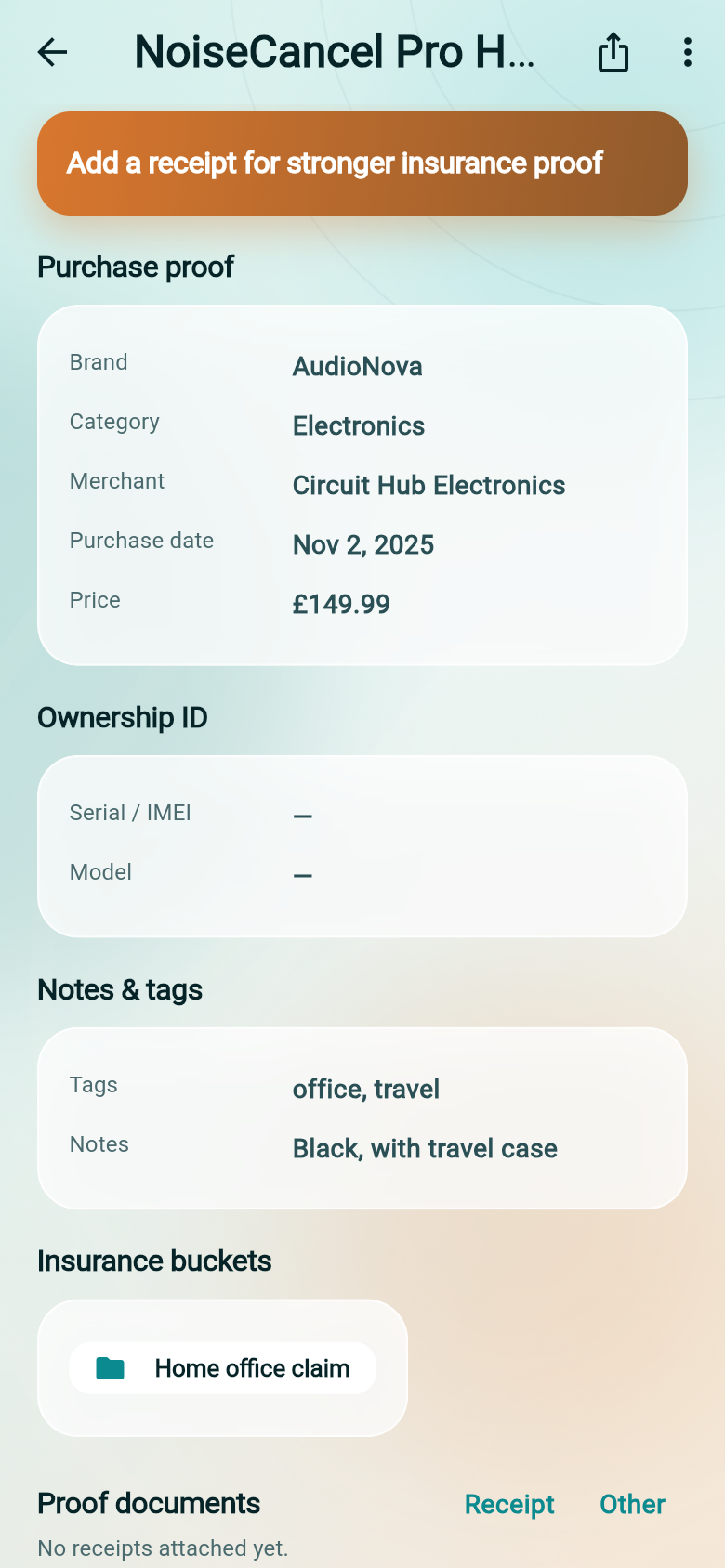
Item names, purchase details, warranty dates, categories, and the document files you attach — photos and PDFs saved in the app's private storage. With Pro, you can also back that vault up to the cloud and restore it later.
Can I switch phones and keep my vault?
Yes — with Cover Locker Pro. Sign in on the new device, open Account, and restore from your cloud backup. Free stays local-only on that phone.
How accurate is OCR?
OCR works well on clear, flat receipts and warranty forms. You can always edit extracted fields before saving. Crumpled, faded, or handwritten docs may need manual correction.
Can I export for an insurance claim?
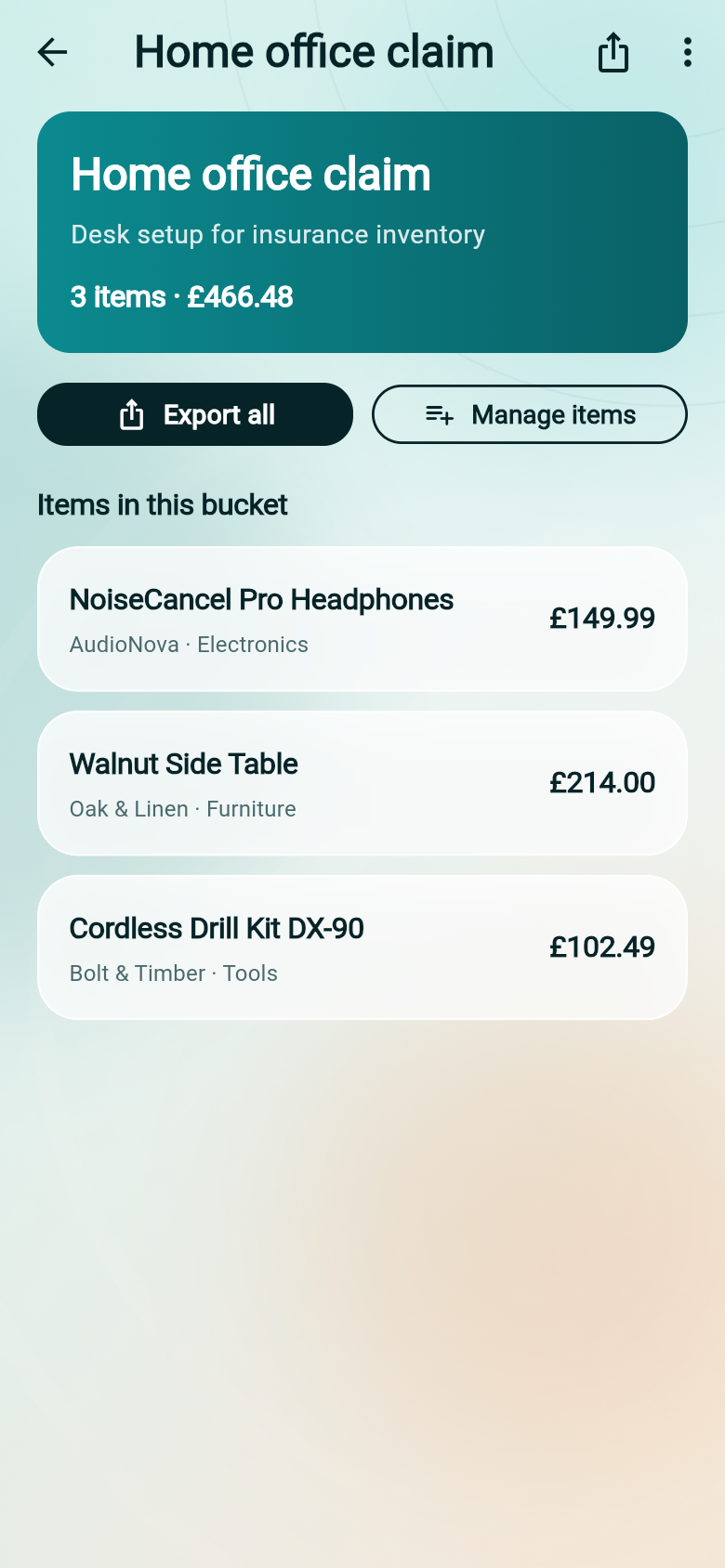
Yes — with Cover Locker Pro. Open an item or collection and share a claim pack: a PDF summary plus attached documents in a ZIP, structured the way insurers and manufacturers prefer.
Insurance vs warranty vault — what's the difference?
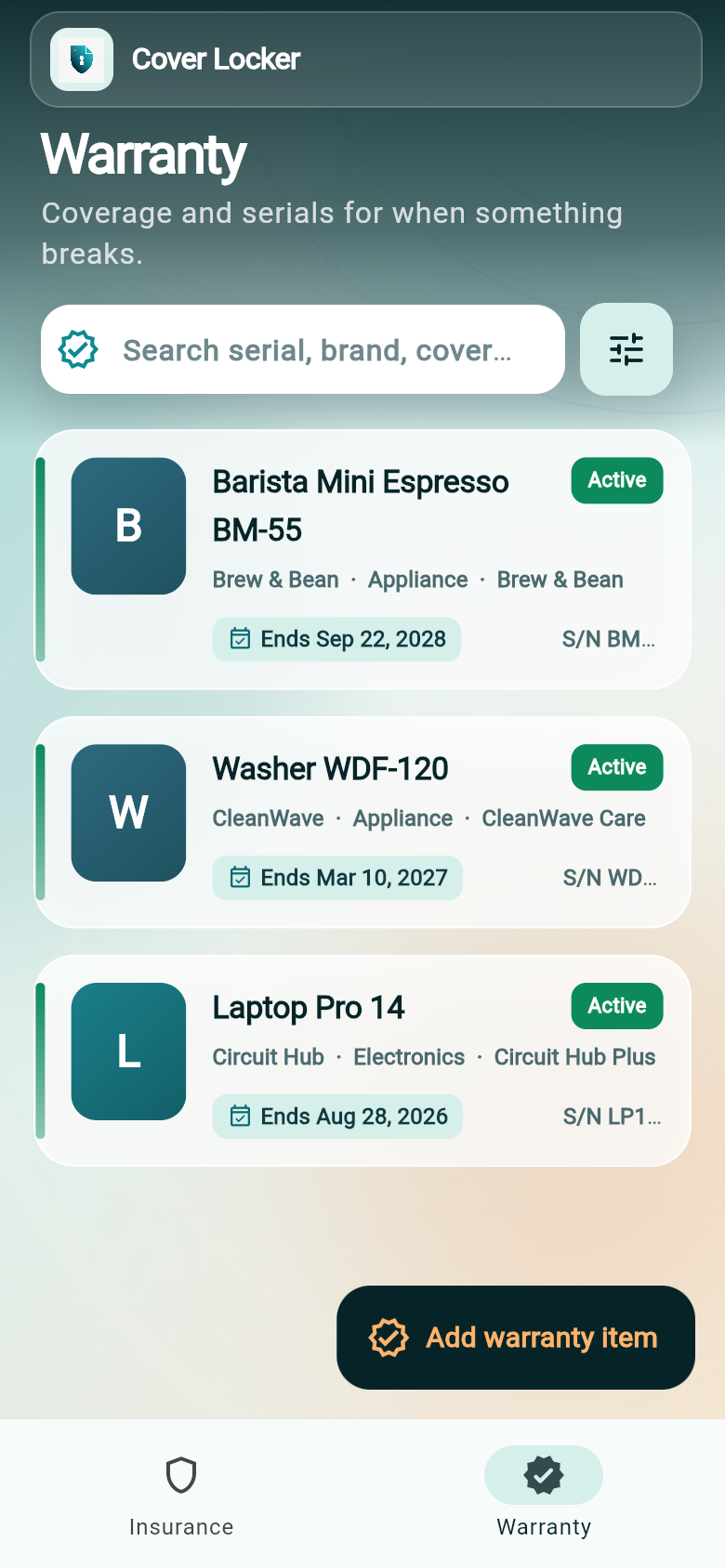
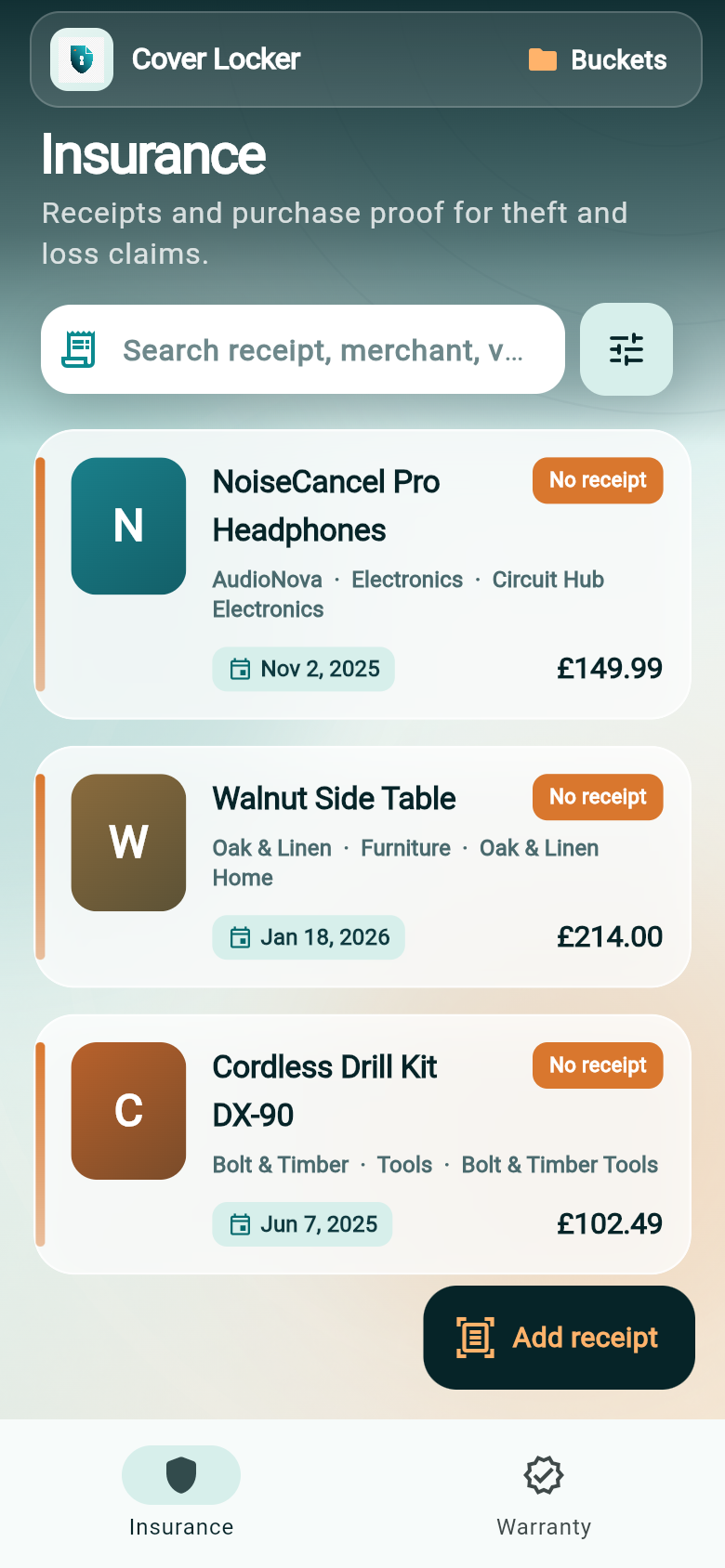
Insurance vault is for proof of purchase when something is lost or stolen. Warranty vault tracks repair coverage, expiry dates, and serial numbers for manufacturer claims.
Which platforms?
Cover Locker is available on iPhone, iPad, and Android.